🚀 v1.9.0 'Smart Lens' Update
The revolutionary GPU speed and new interactive translation features of BoxTrans v1.9 are here:
🖥️ Full-Screen Translation (v1.9)
Translate your entire screen in seconds with one click or hotkey; no more manual area selection!
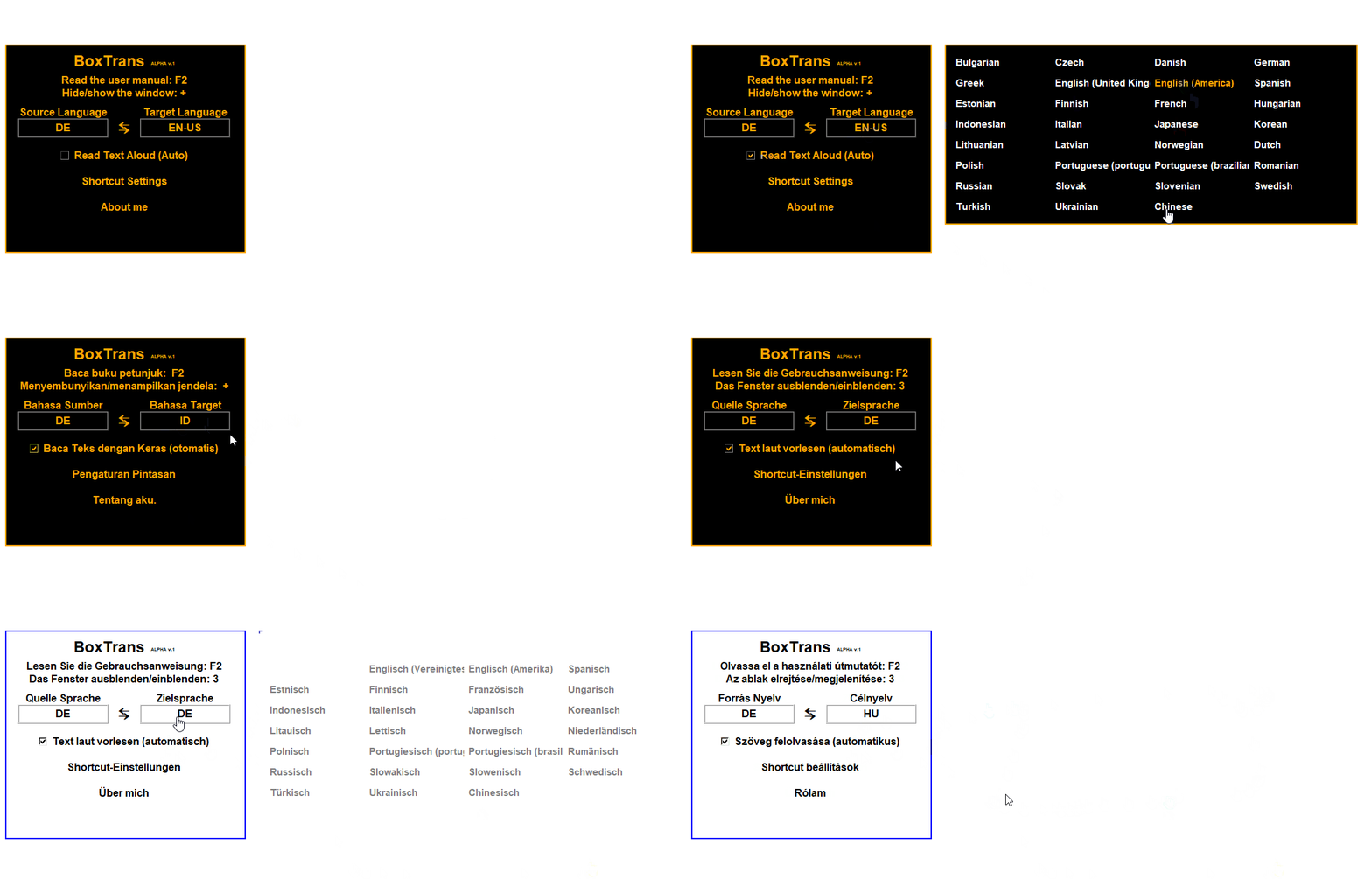
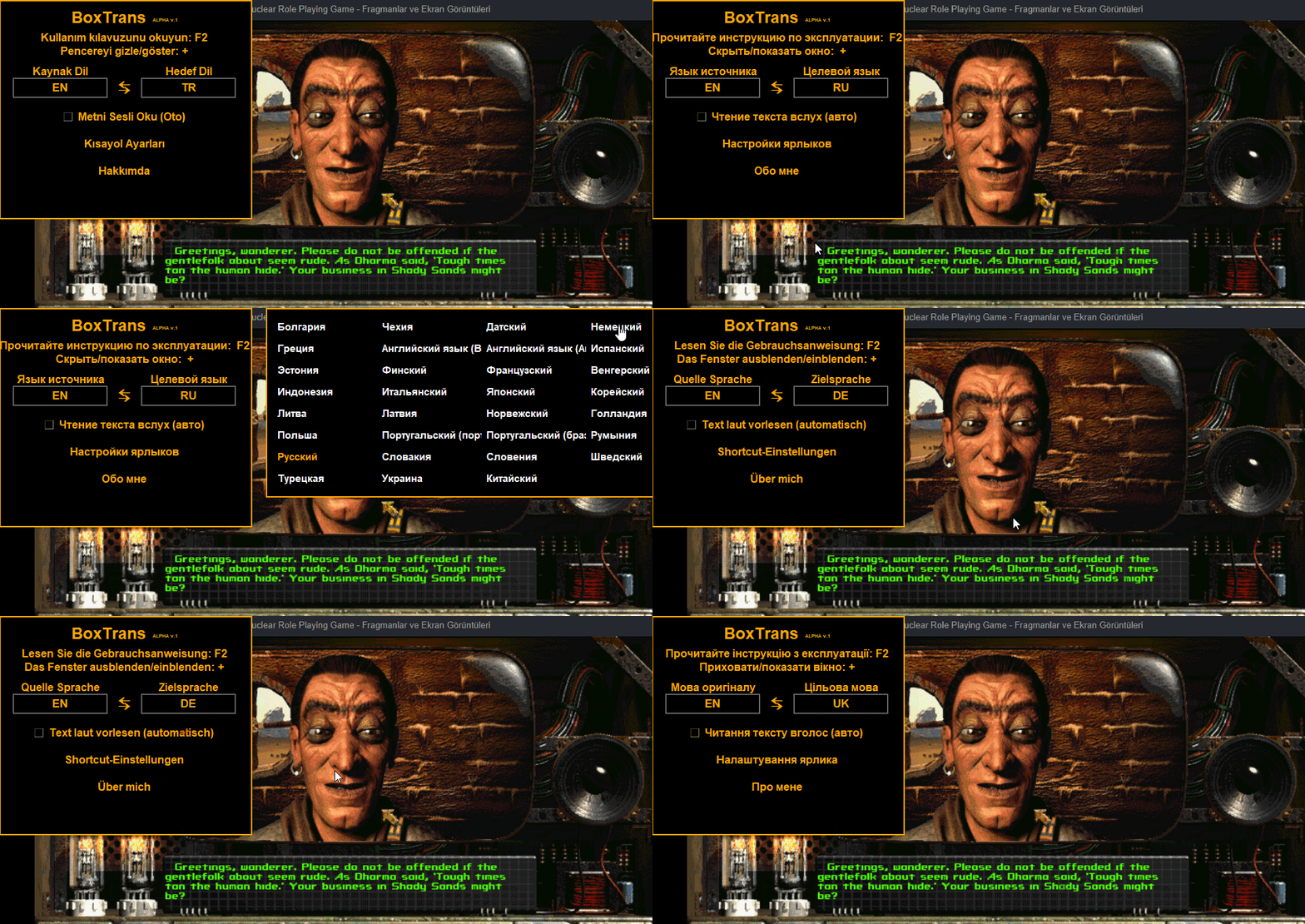
🌐 80+ Languages & Advanced OCR
Full support for 80+ languages including JPN, KOR, and CHN. Break barriers with Vertical, RTL, and diagonal text detection.
👻 Invisible Selection
Advanced transparency ensures translation boxes stay non-intrusive on your screen.
🏎️ Hybrid Performance
NVIDIA GPU (CUDA) acceleration or optimized CPU mode. Legacy GPU support.
⏱️ Customizable Reading Time
Adjust text display time from 2 to 20 seconds. Take full control based on your own reading speed.
⌨️ Combo Hotkeys
Full support for combination keys (e.g., CTRL+Q, ALT+E) for flexible control.
🚀 BoxTrans Turbo Logic:
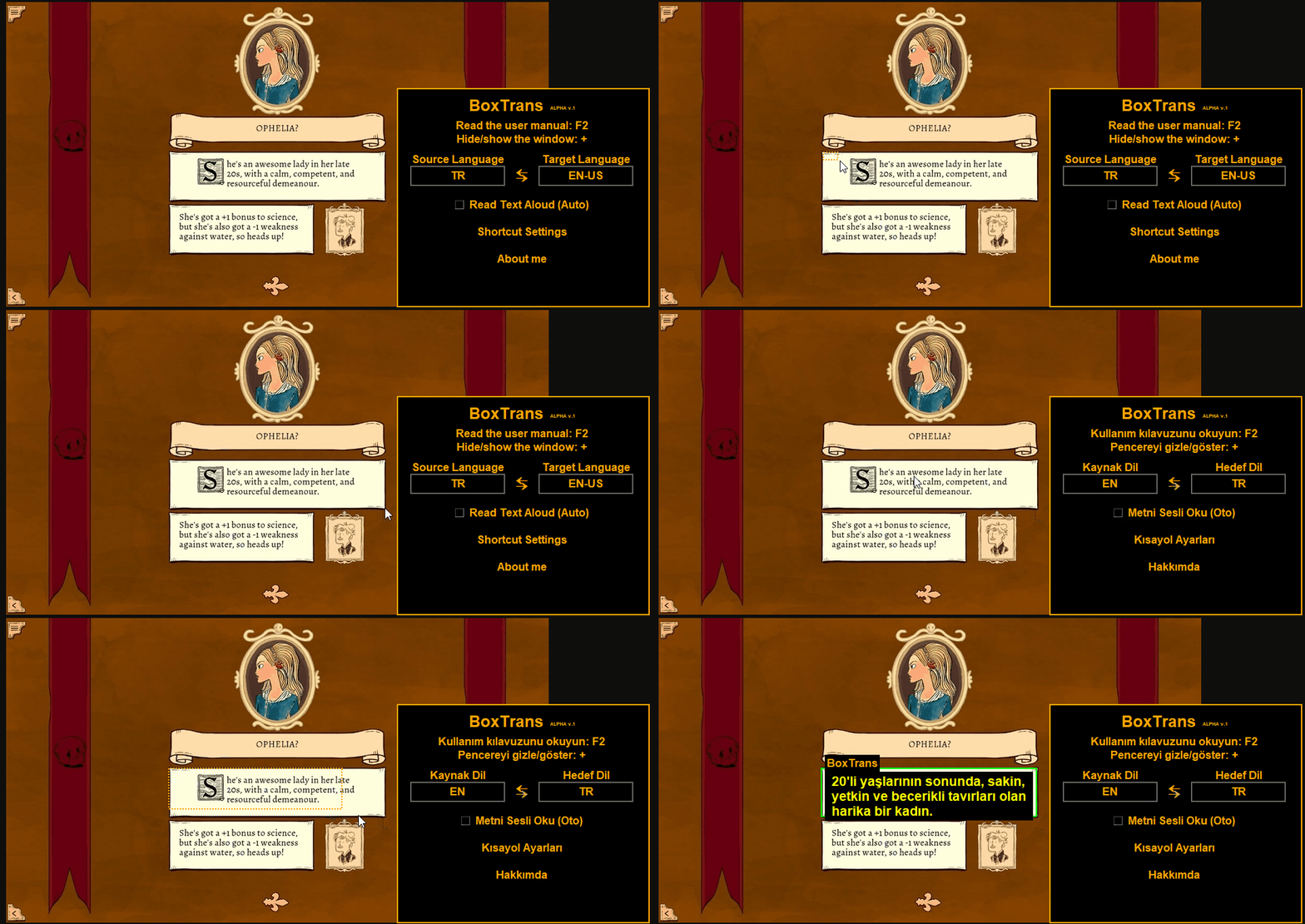
🎯 v1.9.0 New Scaling Engine:
Game-Oriented Transparent HUD
New transparency settings ensure translation boxes don't block your view or gameplay.
Advanced DPI Awareness
Pixel-perfect area selection regardless of Windows scaling settings (125%, 150%).
How to Use?

If you like BoxTrans, please give us a ⭐ on GitHub!
Zero Lag
New CPU optimization ensures no game freezing, even on legacy systems.
Non-Intrusive
Fits your game screen with a fully transparent and modern overlay design.
High Precision
Error-free coordinate detection on 4K monitors and high DPI settings.